A native, private [Loom] alternative
Loom is built for one thing well: record a quick video and get a share link in seconds. If you would rather keep the recording on your Mac, pay once instead of every month, and get automatic cursor-following zoom, Kapshot is the native alternative. Here is the honest comparison, including where Loom still wins.
- One-time $19
- No subscription
- No account
- On-device
Updated August 2026·8 min read
Loom and Kapshot both record your screen, but they are built on opposite ideas. Loom is a cloud service: it records in your browser or its app, uploads the video to Loom's servers, and hands you an instant link to share. Kapshot is a native macOS app: it records on your Mac, keeps the file on your Mac, and never asks you to sign in. One optimizes for sending a video to other people fast. The other optimizes for owning a polished recording outright.
Neither is strictly better. If your day is async video messages to teammates and you love that a link is ready the instant you stop recording, Loom is genuinely great at that and you should probably keep it. If you make product demos, tutorials, and bug reports, want them to look deliberate without editing, and would rather not rent your recording tool forever, Kapshot is the fit. This page lays out the real trade-offs so you can pick correctly.
What Loom does well
It is worth being fair about Loom, because its strengths are real and they are the reason a switch is a trade-off rather than a pure upgrade. Loom is an async video messaging tool. It runs in the browser and as a desktop and mobile app, records your screen and camera, hosts the result on its own infrastructure, and gives you a share link immediately. It has a free tier with limits on video length and library size, and a paid subscription that lifts those limits and adds team features.
- Instant cloud sharing. The moment you stop, there is a link to send. No file to upload, no video to attach, no export step at all.
- Built for teams. Shared libraries, viewer analytics, comments, reactions, and transcripts make it a communication tool, not just a recorder.
- Works everywhere. Because it is cloud-based and cross-platform, a Loom recorded on Windows plays for a viewer on any device with a browser.
- A usable free tier. You can start recording and sharing without paying, within the length and storage caps.
If those bullets describe what you need, the honest answer is that Loom is hard to beat and Kapshot is not trying to be a Loom replacement for that job. Kapshot does not host your video or generate a share link for you. What it offers instead is native quality, privacy, one-time pricing, and screenshots in the same app.
What Kapshot does differently
Kapshot is a native macOS recorder and screenshot studio. It records locally, cleans the clip up automatically, and hands you a finished file you own. There is no account to create, no cloud to upload to, and no monthly bill. It does two things, weighted equally.
- Screen recording with automatic cursor-following auto-zoom. As you work, the view eases in wherever your pointer is active and eases back out when you move on, so a flat capture becomes a guided demo without a single keyframe.
- One-click system plus mic audio. App sound and your narration are captured together natively. On stock macOS that normally needs a virtual audio device, which is one of the fiddly bits Kapshot removes.
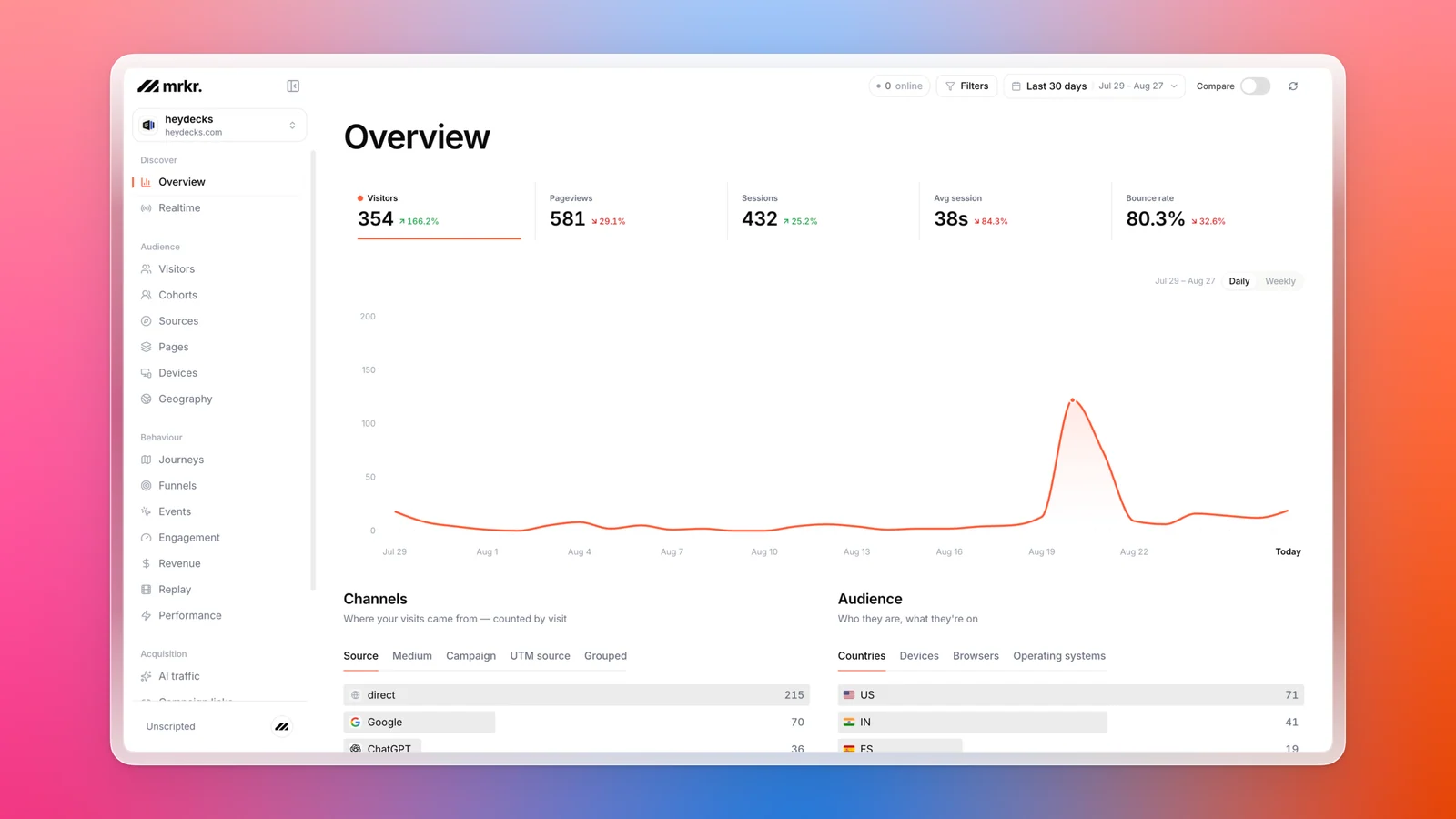
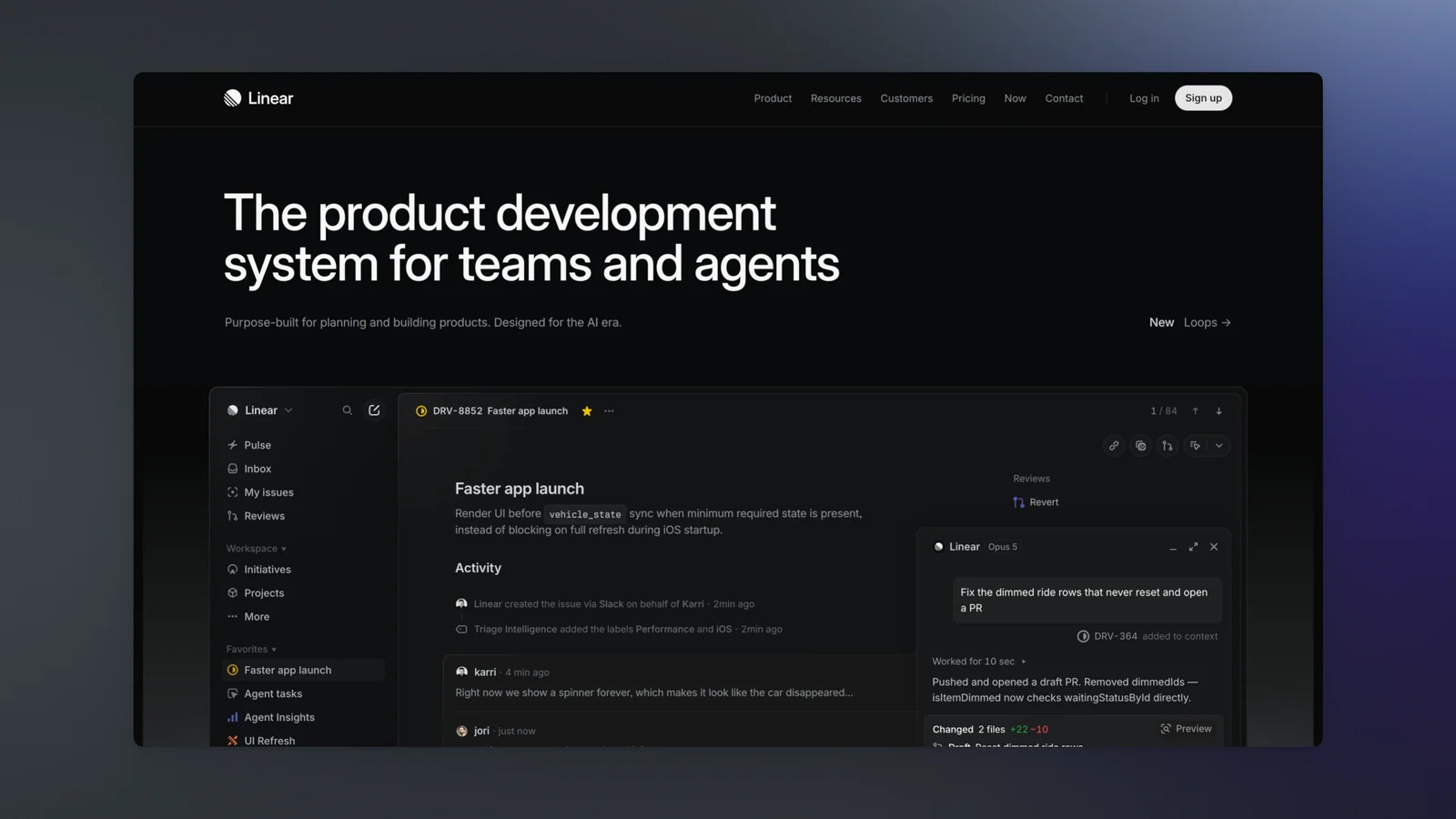
- Screenshots wrapped beautifully. The same app frames your stills in a background, a real macOS window with the traffic-light buttons, and a proper shadow, so a raw grab looks designed.
- On-device and yours. The recording stays on your Mac. Pay once, own it, no subscription and no login.
The catch is the flip side of Loom's strength: because Kapshot does not host anything, you share the finished file yourself, by dropping it into Slack, email, a landing page, or wherever it needs to go. For a lot of people that is exactly the point. For someone whose whole workflow is instant links, it is the reason to keep Loom.
Kapshot vs Loom, honestly
The table below is not a hit piece. It marks where each tool wins. Kapshot leads on privacy, one-time pricing, native quality, and screenshots. Loom leads on the thing it was designed for: cloud hosting and instant sharing.
| Kapshot | Loom | |
|---|---|---|
| On-device and private | Records to the cloud | |
| No account required | ||
| Cursor-following auto-zoom | ||
| System audio plus mic | Mic and tab audio | |
| Pricing | $19 once | Free tier plus subscription |
| Instant cloud share link | ||
| Team library and analytics | ||
| Beautified screenshots | ||
| Platform | Native macOS | Browser, desktop, mobile |
Read it as a fork in the road, not a scoreboard. If the rows you care about are the share link and the team library, Loom wins for you. If the rows you care about are privacy, owning the file, auto-zoom, and paying once, Kapshot wins for you.
The privacy difference is the whole point
With Loom, the video leaves your machine by design. That is what makes the share link instant, and for public marketing clips it is a feature. But if you are recording a bug in an internal tool, a walkthrough of an unreleased feature, a customer's account, or anything with a login on screen, the recording living on a third-party server is a real consideration. Some teams cannot use cloud recorders at all for that reason.
Kapshot records to a file on your Mac and stops there. Nothing is uploaded, there is no account tied to your recordings, and there is no library on someone else's servers to audit or delete later. You decide, per recording, where it goes. If a clip should be public, you put it somewhere public. If it should never leave the building, it never does.
Pay once versus paying every month
Loom's model is a free tier with caps plus a paid subscription billed monthly or annually. That is a fair model for a hosted service, since Loom carries the cost of storing and streaming your video forever. But it means your recorder is a recurring line item, and if you stop paying you lose the features you were relying on.
Kapshot is one payment. It is $19 during launch and $29 after, and that is the entire cost. There is no per-seat billing, no renewal, and no tier that unlocks the feature you actually needed. Because it records locally, there is no server for a subscription to pay for in the first place. You buy it, you own it, and it keeps working.
One caveat, stated plainly: Kapshot does not host or stream your video, so it is not the tool that replaces Loom's hosting bill with nothing. It replaces the recorder. Hosting, if you need it, is whatever you already use.
Who should pick which
The clean way to decide is to look at how you actually share what you record.
- Pick Loom if your workflow is async video messages to a team, you rely on instant share links, and viewer analytics, comments, and a shared library matter. Cross-platform reach and a free tier to start also lean Loom.
- Pick Kapshot if you are on a Mac, you make demos, tutorials, onboarding clips, or bug reports, you want auto-zoom and system audio without editing, and you would rather own the file, keep it private, and pay once. Bonus if you also want beautiful screenshots from the same app.
- Use both if it fits. Plenty of people record and polish in Kapshot for the quality and privacy, then hand the finished file to whatever they already use for sharing. The two are not mutually exclusive.
One more thing Loom does not do: screenshots
Not every message needs a video. Often a single well-framed still makes the point faster than a two-minute clip. Loom is a video tool, so this is simply outside its scope. Kapshot treats screenshots as a first-class job: drop in a capture and it wraps it in a background, a real macOS window frame, and a real shadow, ready for a deck, a changelog, or a landing page.
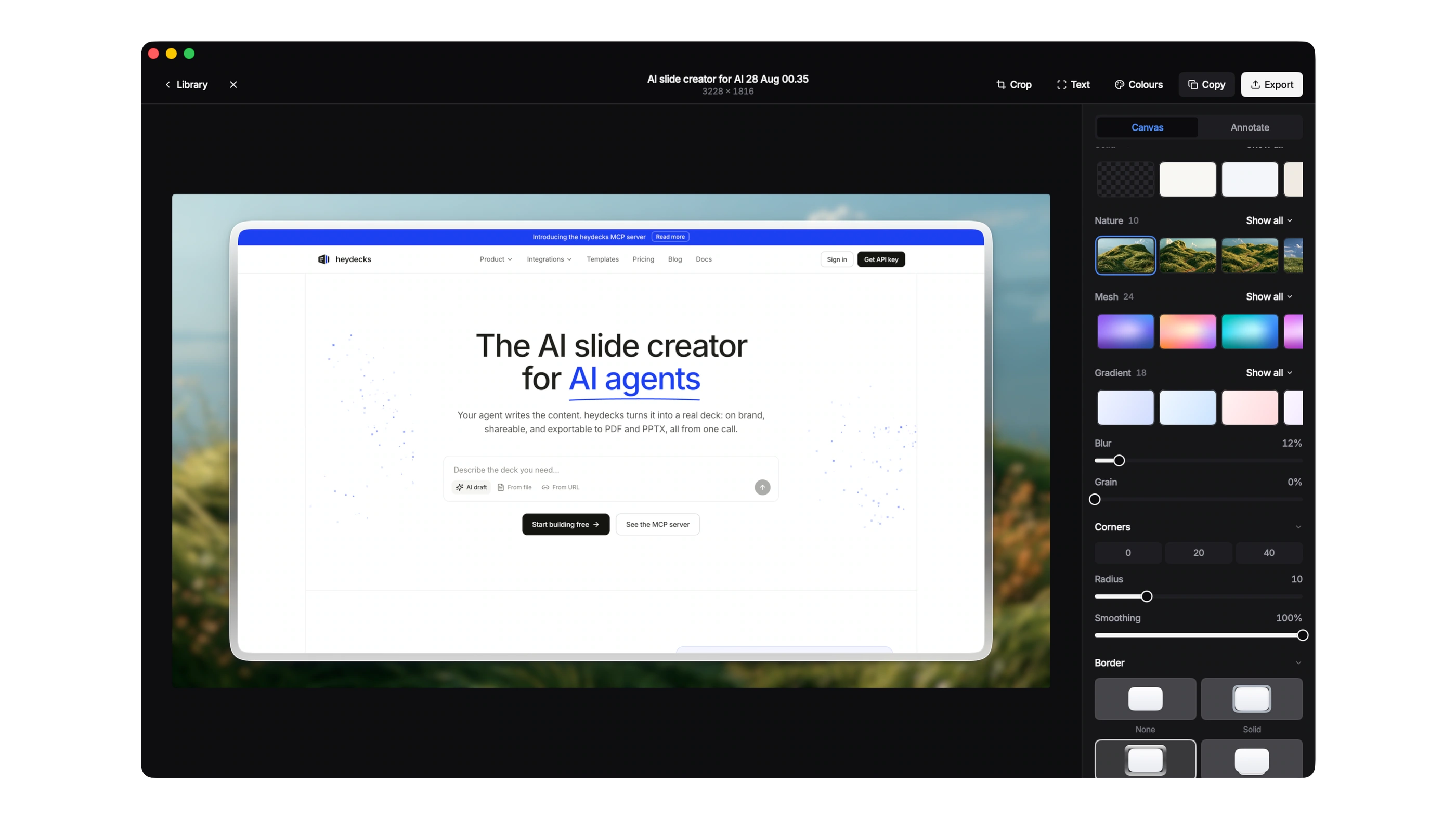
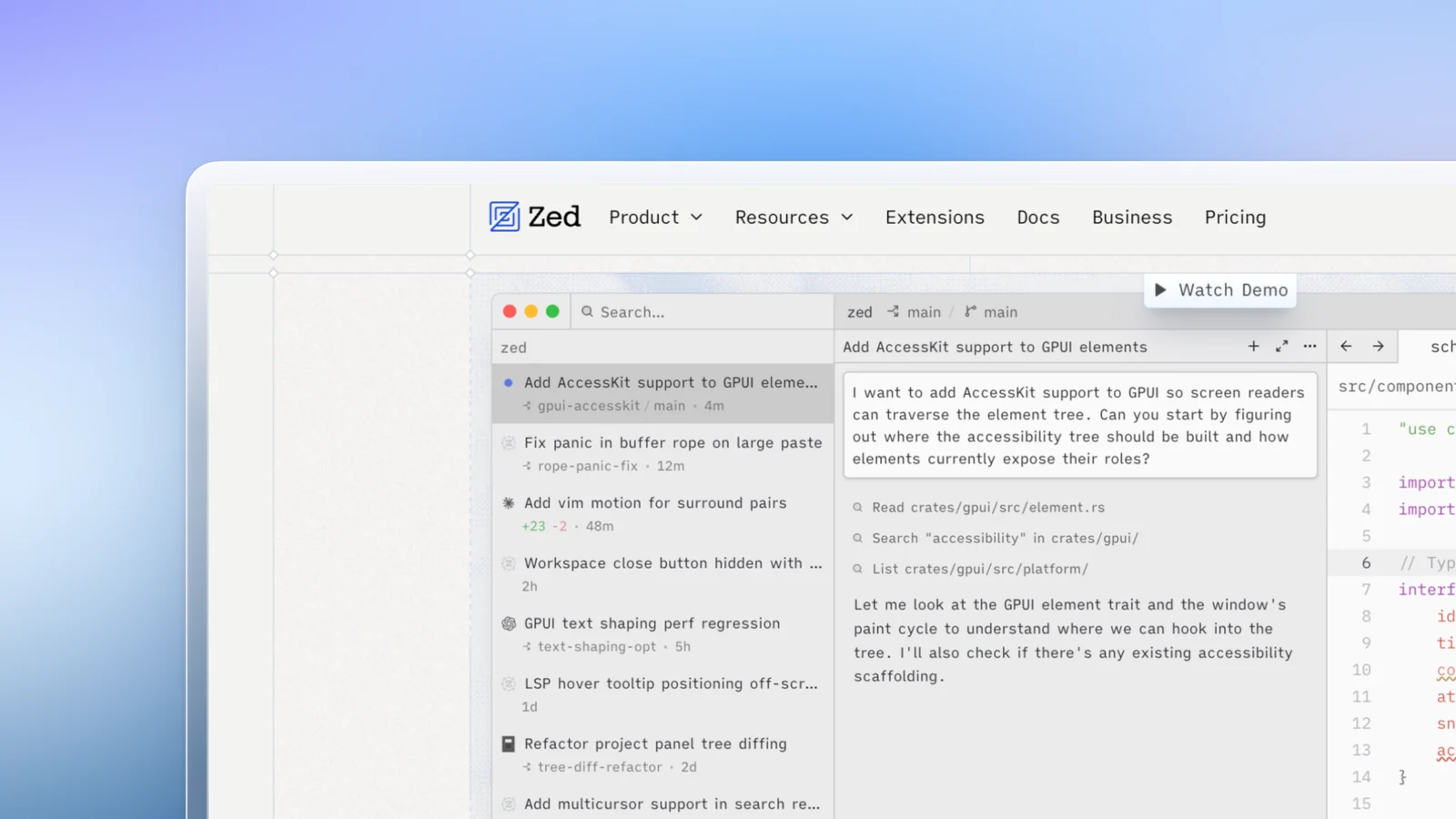
So the comparison is not quite one to one. Loom is a focused async video tool. Kapshot is a native recorder and a screenshot studio in one app. If a still would do the job, see how the recorder side works.
FAQ
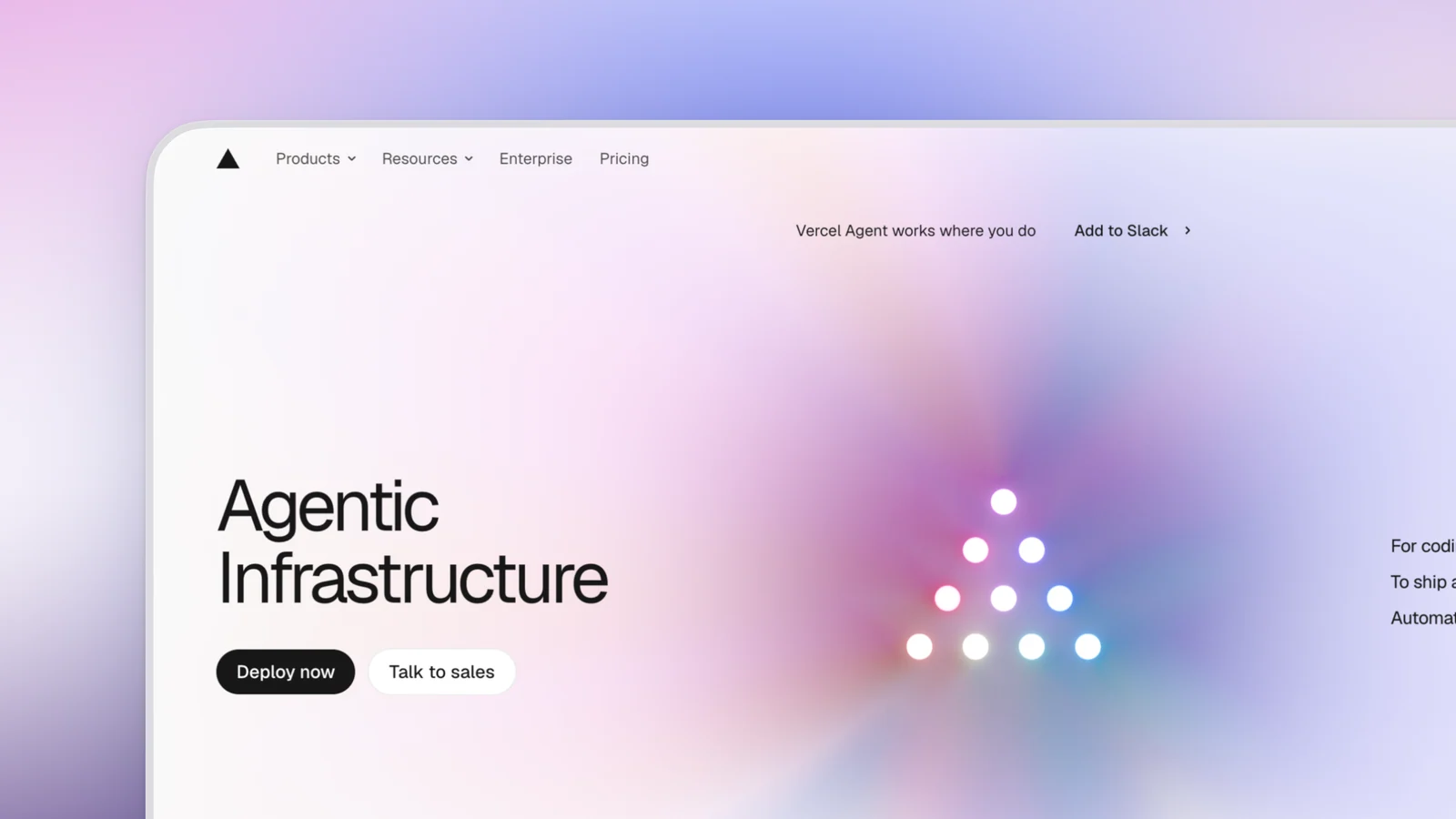
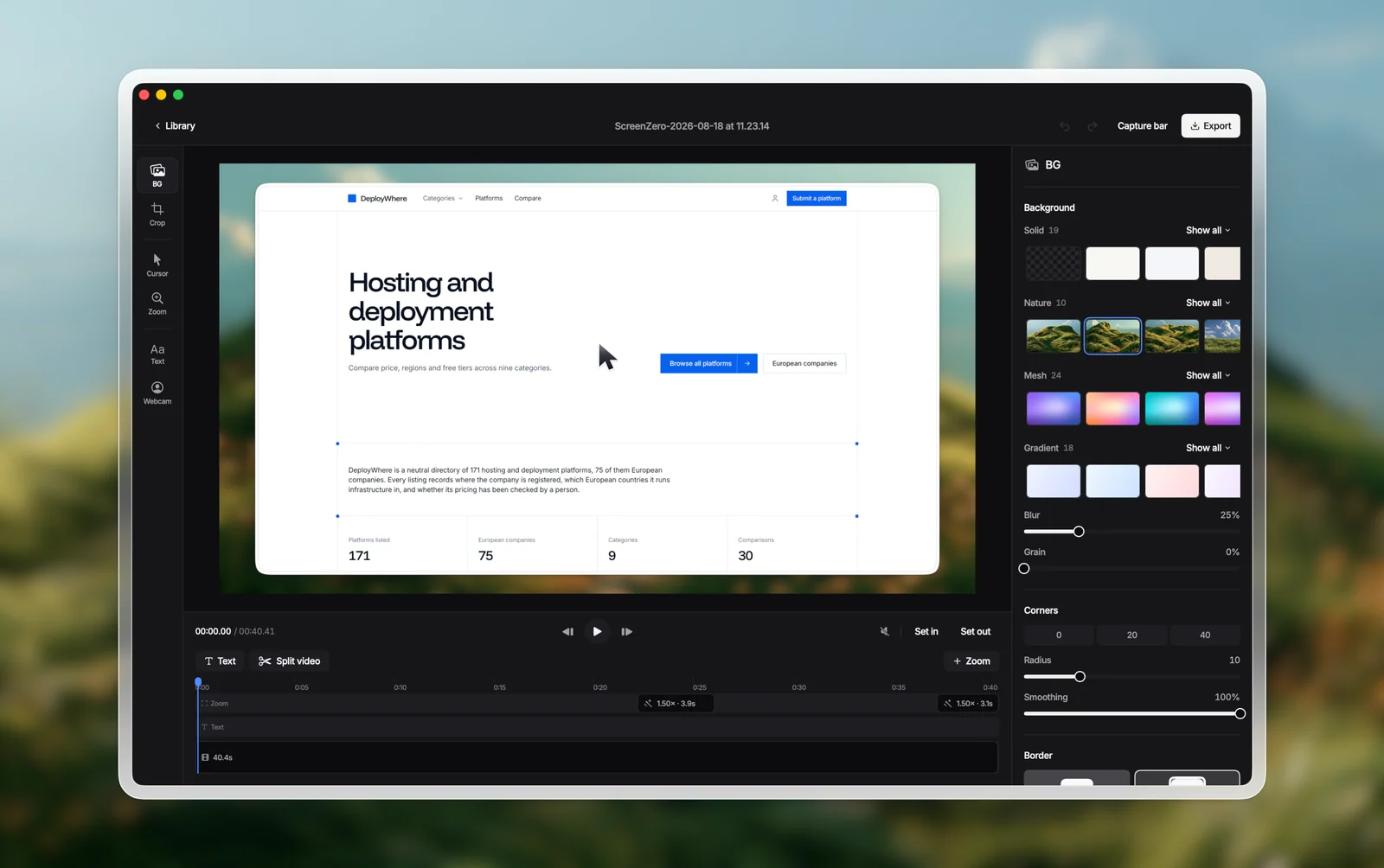
Made with [Kapshot]
Real captures, framed and beautified on a Mac.

Keep the recording [yours.]
Kapshot records with cursor-following auto-zoom, captures system audio and mic in one click, and beautifies your screenshots too. No account, no subscription, nothing leaves your Mac.
Or try the free 7 day trial. No account, no subscription.