A cheaper [Screen Studio] alternative
Screen Studio popularized the automatic zoom that makes a screen recording look like a produced demo. It is a genuinely excellent, mature app. Kapshot gives you the same cursor-following zoom for one payment instead of a recurring one, and it beautifies your screenshots too. Here is an honest side-by-side.
- One-time $19
- No subscription
- No account
- On-device
Updated August 2026·7 min read
If you have watched a slick product demo in the last two years, there is a good chance it was made with Screen Studio. It set the bar for recordings that zoom toward whatever you are doing, smooth the cursor, and finish with a soft, designed look. It deserves its reputation.
So this is not a takedown. Screen Studio is polished, deep, and well supported, and if it fits your budget it is a safe choice. The reason people look for an alternative is almost always the same two things: the price, and the fact that it records but does not do screenshots. Kapshot answers both. It records with automatic cursor-following zoom, it also wraps your screenshots in backgrounds, real macOS window frames, and shadows, and it costs $19 once with no subscription and no account. Everything runs on your Mac.
What Screen Studio does well
It is worth being fair about this before comparing anything. Screen Studio has had years to refine its craft, and it shows in the details that are easy to underrate.
- Automatic zoom that feels produced. The camera eases toward your clicks and pans with your cursor, and the motion is tuned so it rarely looks jumpy.
- A mature editor. Fine control over zoom timing, backgrounds, padding, cursor size, and export presets, with a track-based timeline for people who want to direct every beat.
- Export options and polish. High frame-rate output, smooth cursor smoothing, and formats aimed at social and marketing, refined over many releases.
- A track record. It is a known quantity that a lot of teams already trust for their launch videos.
If you are a full-time video producer who lives in a timeline and wants maximum manual control, Screen Studio is a reasonable place to spend money. Kapshot is built for a different person: someone who wants a recording that looks produced without directing it, and who also takes a lot of screenshots.
Where Kapshot is different
Kapshot makes three trades on purpose. It keeps the part that matters most, the auto-zoom, and it changes the price model, adds screenshots, and keeps everything on your machine.
One app, [two jobs], one payment
The auto-zoom you came for, plus the screenshot side Screen Studio does not cover, for a single price.
Auto-zoom recording
The view follows your cursor and eases into each action automatically, so a raw capture becomes a guided demo with no keyframing.
Screenshots too
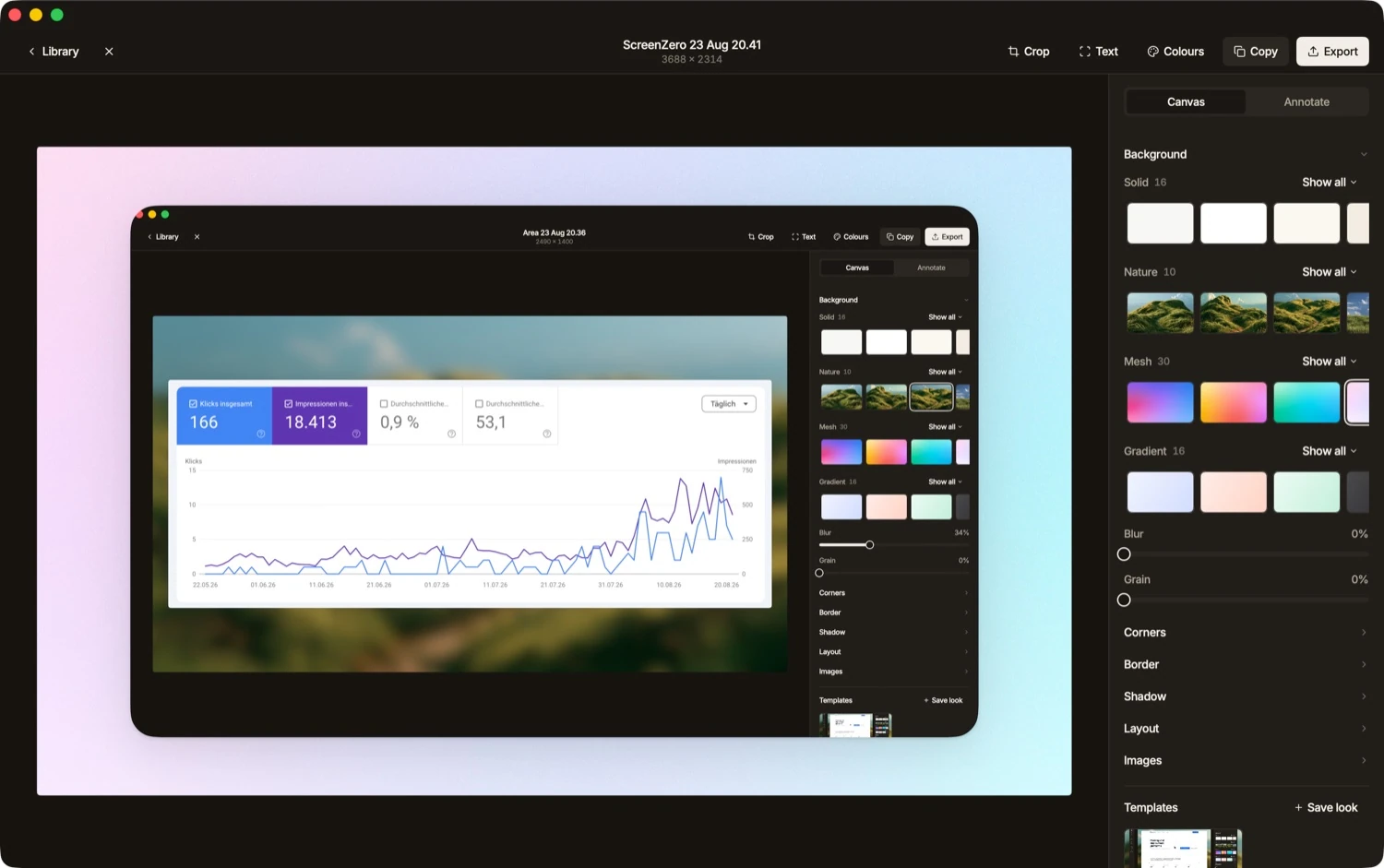
Wrap stills in a backdrop, a real macOS window frame, and a soft shadow. Screen Studio records only. Kapshot does both.
Pay once, on-device
Kapshot is a one-time $19, no account, no cloud. Your recordings and screenshots never leave your Mac.
The price difference is the whole point
This is why most people end up on a page like this. Screen Studio has historically sat at the premium end for a Mac utility, and its pricing has shifted over time, so we will not quote an exact figure that could be stale by the time you read it. Check its site for the current number. The structure is what matters: it is priced as a premium purchase, and higher tiers or updates can add ongoing cost.
Kapshot is $19 once during launch, then $29. There is no subscription, no seat count, and no account to create. You buy it, you own that version, and it keeps working whether or not you ever pay again. For a tool you reach for a few times a week, the math is simple: one modest payment against a premium one, and no renewal to think about.
Kapshot vs Screen Studio, honestly
Here is the fair version. Screen Studio wins on depth of the editor and years of refinement. Kapshot wins on price, on covering screenshots as well as recordings, and on paying once instead of forever.
| Kapshot | Screen Studio | |
|---|---|---|
| Auto-zoom recording | ||
| Screenshot beautifying | ||
| Price model | Pay once | Premium purchase |
| One-time price | $19 launch | Higher, historically |
| On-device, no account | ||
| Depth of manual editor | Focused | Extensive |
Read that table as a description of two different bets. If you want the deepest possible timeline and you make videos for a living, Screen Studio earns its price. If you want the auto-zoom that made these recordings popular, plus a screenshot tool, for a fraction of the cost and no subscription, Kapshot is the better trade.
The recording, side by side
The core experience is close. You start a recording, you work normally, and the view zooms to follow your cursor without any manual keyframes. Kapshot reads your pointer motion so the push-in feels intentional rather than mechanical, then eases back out when you move on. You get system audio and your microphone together in one click, so app sound and narration both land in the file. Export carries no watermark, and nothing is uploaded anywhere.
A Kapshot recording with automatic cursor-following auto-zoom and no manual editing.
The part Screen Studio does not do: screenshots
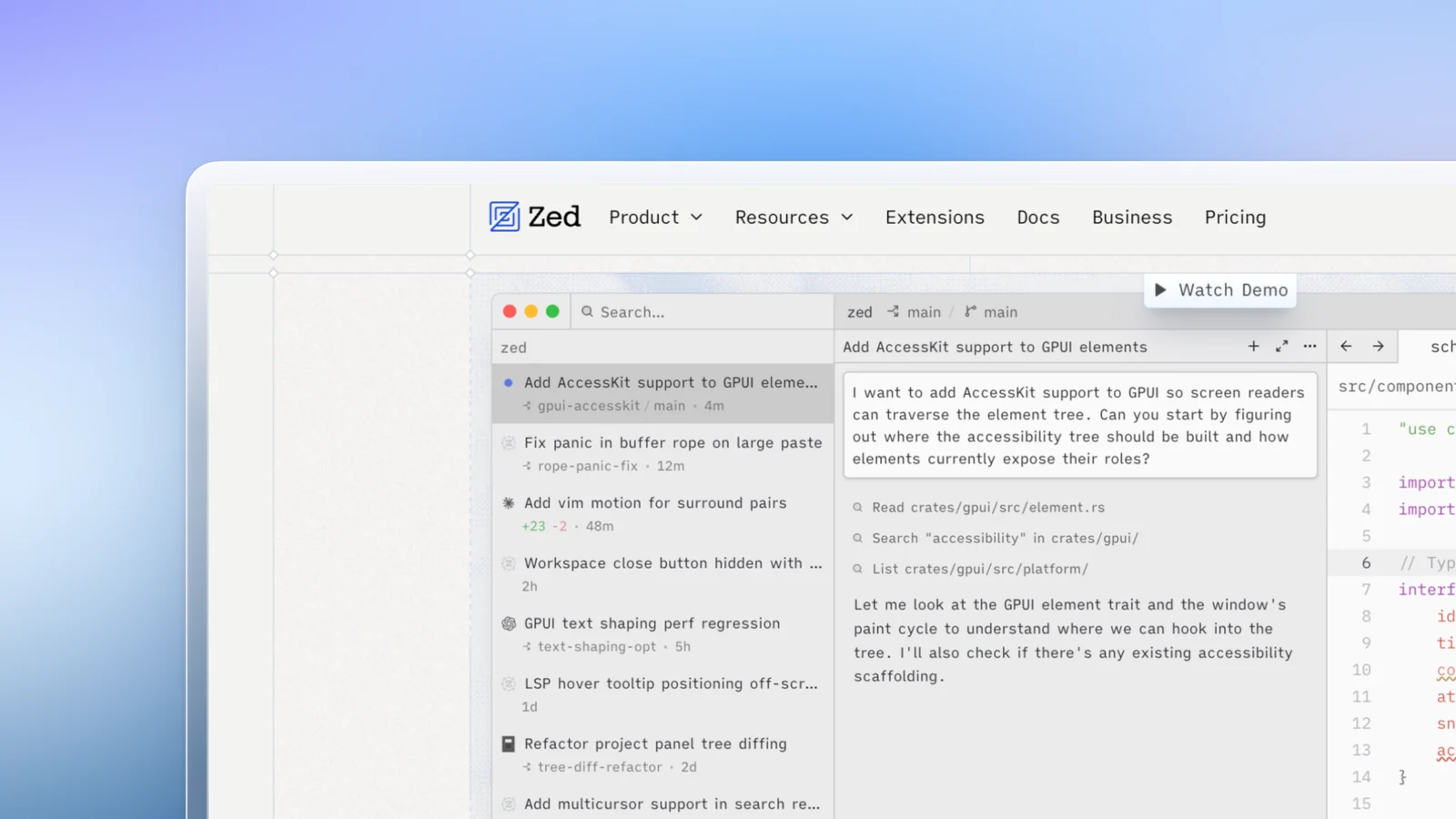
Screen Studio is a recorder. When a single still frame makes the point, it is not the tool. Kapshot treats screenshots as a first-class job, weighted the same as recording. Drop in a capture and it wraps the image in a background, a real macOS window frame with the traffic-light buttons, and a proper shadow, so a flat grab turns into something you would put in a deck, a changelog, or a landing page. That means one app covers both halves of the work: recordings that look like demos, and screenshots that look designed.
Who should switch, and who should not
An honest recommendation cuts both ways. Stay with Screen Studio if you are a dedicated video producer, you want the deepest manual timeline, and the price is not a factor. Choose Kapshot if you want the auto-zoom look without directing every frame, you also take a lot of screenshots, and you would rather pay once than subscribe. If you are on the fence, the free 7-day trial lets you record your own footage and judge the zoom for yourself before you spend anything.
FAQ
Get the auto-zoom look, for [less] money.
Kapshot records with cursor-following auto-zoom and beautifies your screenshots, all on your Mac. One payment of $19, no subscription, no account, nothing leaves your machine.
Or try the free 7 day trial. No account, no subscription.